
Introduction to Computer Networks for Non-Techie
Learn Network Fundamentals, IP Addressing, Subnetting, Routers, Switches, Wireless Networking, Network Security & More
In today's hyper-connected world, computer networks are the invisible backbone of everything we do—from sending emails and streaming videos to running businesses and securing critical infrastructure. Yet for most people, networking remains a mystery filled with confusing jargon and technical complexity.
Whether you're a business professional who needs to understand how your company's network operates, an aspiring IT professional starting your career, or simply someone curious about how the internet actually works, understanding computer networking fundamentals is essential knowledge in the modern world.
With over 76,000 students enrolled and a 4.7-star rating, this course has helped tens of thousands of beginners master networking fundamentals. This isn't just a collection of lectures—it's a complete, hands-on learning experience designed specifically for non-technical professionals.
This course provides a complete foundation in computer networking—from understanding how networks function at a basic level to planning and designing networks for real businesses. You'll gain practical, applicable knowledge whether you're managing a small business network or preparing for an IT career.
"I am currently studying cybersecurity at WGU and study.com. I completed Alton's course before enrolling and when I got stuck in my network foundations classes, I would refer back to this course. I learned more about networking from Alton's networking course on Udemy than in two college-level networking classes. Alton does a magnificent job delivering the material. It is slow-paced enough so even the newest of beginners can understand it. The structure and roll-out of the course flows smoothly and in perfect order. I 100% recommend this course to anyone looking to understand networking."
— Jammie Williams ⭐⭐⭐⭐⭐
"This is a great course. I enjoyed it a great deal. I love the fact that Cisco Packet Tracer was used to allow for a better understanding of networking. I can't state enough how informative it is and it was a lot of fun also. Anyone who is struggling with networking, very highly recommend."
— Christian Bell ⭐⭐⭐⭐⭐
"This is by far the best beginners networking course that I have come across and Alton describes and teaches networking concepts brilliantly in my opinion. Networking has always been something that I have struggled with but since taking this course I understand networking concepts a lot better and the labs help a lot as well. Money well spent."
— Andrea A ⭐⭐⭐⭐⭐
Course Introduction and Overview
FREE PREVIEWWhy Learn Computer Networking from Me?
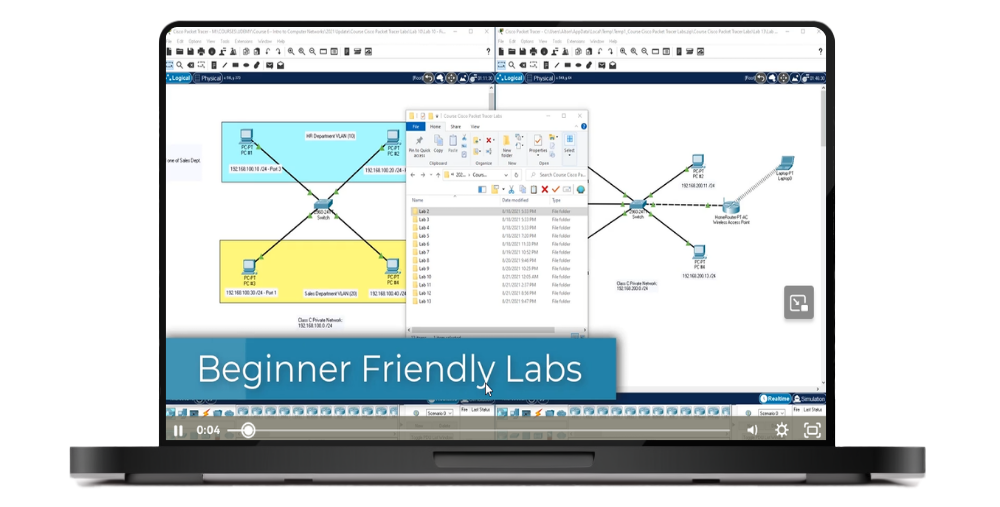
FREE PREVIEWBeginner-Friendly Labs
Course Lecture PDFs
Section Introduction
FREE PREVIEWIntroduction to Computer Networking Protocols
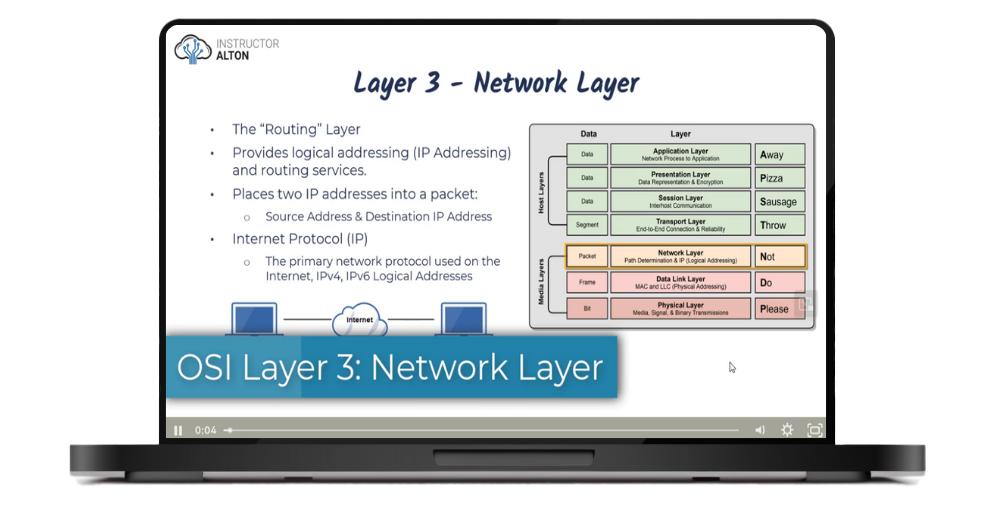
FREE PREVIEWIntroduction to the OSI Model
FREE PREVIEWIntroduction to the TCP/IP Model
FREE PREVIEWIntroduction to MAC Addresses
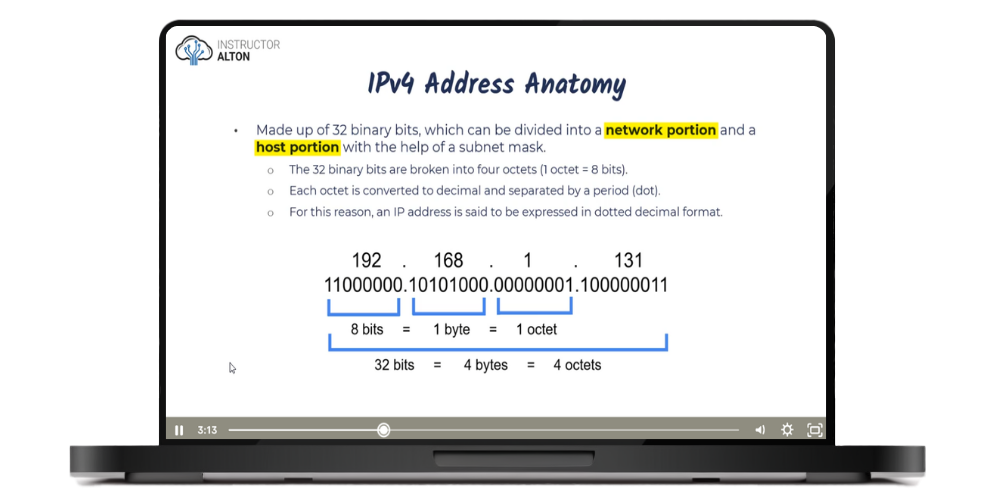
FREE PREVIEWIntroduction to IP Addresses
IP versus MAC Addresses
Duplex Communication
Network Transmission Types
Introduction to Ethernet
Lab #1: Installing Cisco Packet Tracer
Lab # 2: Connecting two PCs Together
How Computer Networks Work Quiz
Section Introduction
Physical vs. Logical Topologies
Wired Network Topologies
Wireless Network Topologies
Lab # 3: Create Physical Wired Topologies
Network Topologies Quiz
Section Introduction
Network Interface Cards (NICs)
Hubs
Switches
Wireless Access Points
Wireless Range Extenders
Routers
Modems
All-in-One SOHO Devices
Media Converters
Firewalls
DHCP Servers
VoIP Endpoints
Lab # 4: Creating a Simple Home LAN
Network Devices Quiz
Section Introduction
Types of Network Cabling
Ethernet Standards
Coaxial Cabling
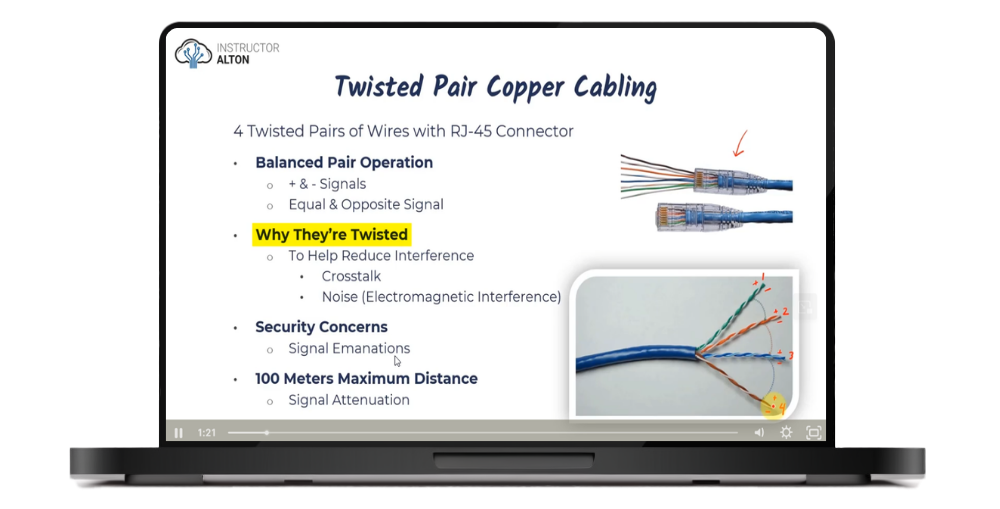
Twisted Pair Copper Network Cabling
Wiring Standards: 568A & 568B and Cable Types
Live Demonstration: Creating a Network Cable
Plenum-Rated Cabling
Fiber Optic Network Cabling
Networking Cable Selection Criteria
Lab # 5: Exploring Network Cabling
Network Cabling Quiz

Alton Hardin is a former college professor and the founder and lead instructor at Alton Teaches LLC, as well as a bestselling author. He holds two graduate degrees: a Master's of Business Administration (MBA) with a specialization in Information Assurance and Security Management, and a Master's of Science (MS) in Information Technology Network Management.
Alton spent 12 years as a cybersecurity specialist at the U.S. Department of Treasury working in governance, risk, and compliance. He holds multiple IT industry certifications, including Certified Information Systems Security Professional (CISSP #740196), ITIL, Security+, Network+, Project+, eLearnSecurity Junior Penetration Tester (eJPT), and several other certifications.
250,000+ students taught across cybersecurity and IT courses. 90,000+ copies sold of his bestselling books.
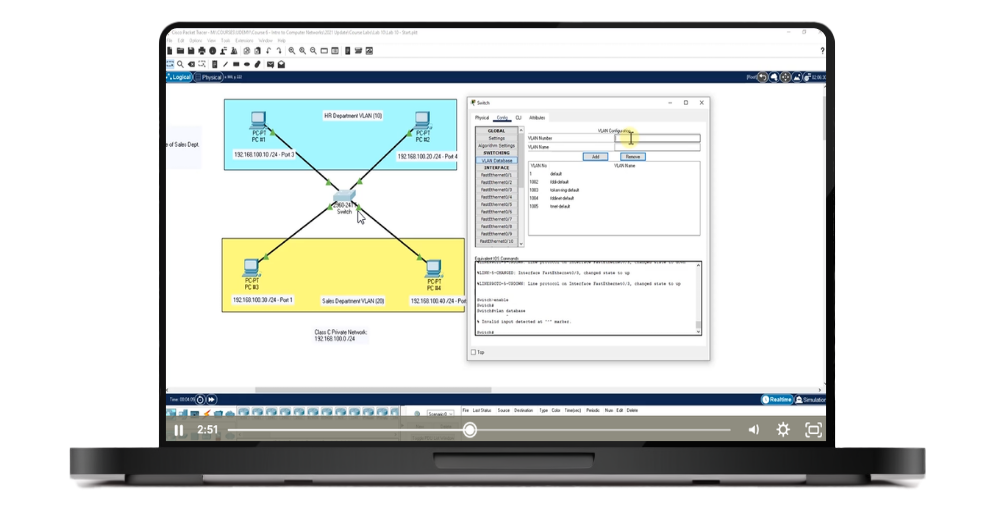
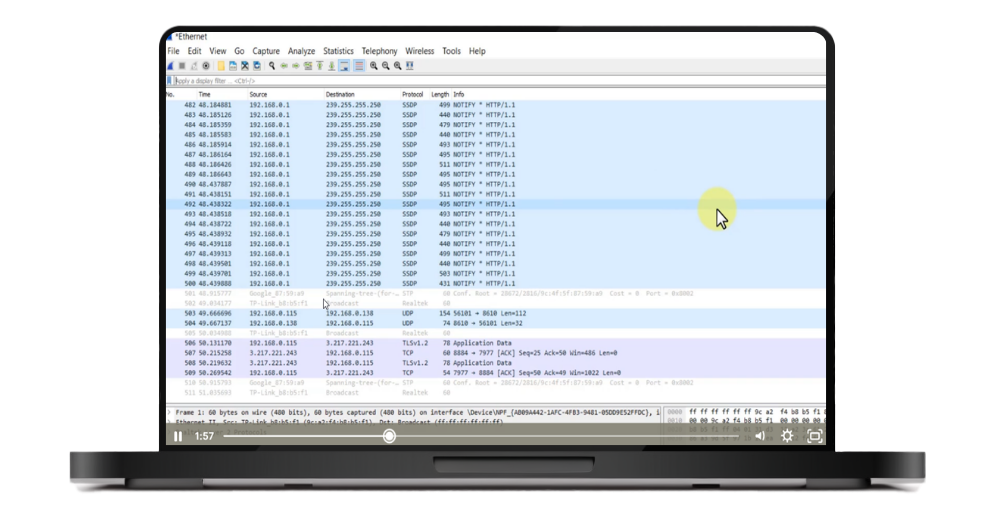
This course takes learning beyond passive video watching. You'll actively build networks, configure devices, and solve real problems using the same tools IT professionals use every day.
"Brilliant course: very clear, thorough, patient teaching. Excellent course structure. Pleasure to learn and very much hope Alton does more, more advanced courses. Totally recommend."
— Damian Sinnott ⭐⭐⭐⭐⭐
"As someone with limited technical background, I was a bit intimidated by the idea of learning computer networking, but this course broke everything down in such a simple and engaging way. The instructor made complex concepts easy to understand, using practical examples that really helped me grasp the fundamentals. I now feel much more confident in my networking knowledge, and it has greatly enhanced my understanding of how networks function. Highly recommend this course to anyone wanting a clear, beginner-friendly introduction!"
— Rustam Shahverdiyev ⭐⭐⭐⭐⭐
"I really enjoyed this course! The instructor explains key networking concepts clearly and concisely, without going into unnecessary technical depth that's not needed at this level. The course is well-structured and focuses on the essentials, delivering the core knowledge in a very precise and accessible way. I would highly recommend this course to anyone, especially those just starting their education or career in any area of the tech industry. This is foundational knowledge that everyone entering the field should have."
— Bojan Marinkovic ⭐⭐⭐⭐⭐
Join 76,000+ students in Udemy's #1 best-selling networking course. 18.5 hours of hands-on training with 13 Cisco Packet Tracer labs, lifetime access, 14-day money-back guarantee.
This course is designed for non-technical professionals, business owners, managers, aspiring IT professionals, and anyone who wants to understand how computer networks actually work. Whether you're looking to start a career in IT, better understand your company's network infrastructure, or simply satisfy your curiosity about networking, this course provides the perfect foundation.
No prerequisites required. This course is specifically designed for complete beginners with no prior networking or IT experience. Every concept is explained from scratch using clear, jargon-free language. If you can use a computer, you can take this course and succeed.
Cisco Packet Tracer is free network simulation software that lets you build and configure networks in a safe, virtual environment. You'll need to register with Cisco (free registration) to download the software, which works on both Windows and Mac. The course includes 13 beginner-friendly labs with both start files and completed solution files. Each lab progressively builds your skills, and you can compare your work to the solutions if you get stuck.
The course contains 18.5 hours of video content across 180+ lectures in 28 sections. Most students complete it in 4-8 weeks, but you have lifetime access so you can learn at your own pace. Each lecture is relatively short (typically 5-15 minutes), making it easy to fit learning into your schedule.
You get 18.5 hours of video lectures, 13 Cisco Packet Tracer hands-on labs, 21 section quizzes, 2 business case studies, downloadable PDF versions of all lecture slides, edited closed captions and video transcripts, and lifetime access to all materials including future updates.
Absolutely! This course provides an excellent foundation for CompTIA Network+, Cisco CCNA, and other networking certifications. Many students use this course to build their fundamental knowledge before pursuing certification-specific study materials. The networking concepts, subnetting practice, and hands-on labs directly support certification preparation.
Yes. The course is regularly updated to reflect current networking technologies, standards, and best practices. Recent updates have included expanded coverage of IPv6, Software-Defined Networking (SDN), updated wireless standards (Wi-Fi 6), and current security protocols.
We offer a 100% satisfaction guarantee. If you are unsatisfied with your purchase, you may request a refund within 14 days of the original purchase date.