
Cybersecurity for Absolute Beginners: OS Security
Learn Operating System Security Fundamentals, Windows & Mac Permissions, Encryption, Backups, Patching & More
The average person spends over 7 hours a day on their computer, yet most don't know how to secure and lock down their operating system effectively. With the many cyber-based threats we all face daily, you must know how to protect your computer and the data that resides on it.
This course shows you how to protect your Windows or Mac computer through practical demonstrations of built-in security features and proven best practices.
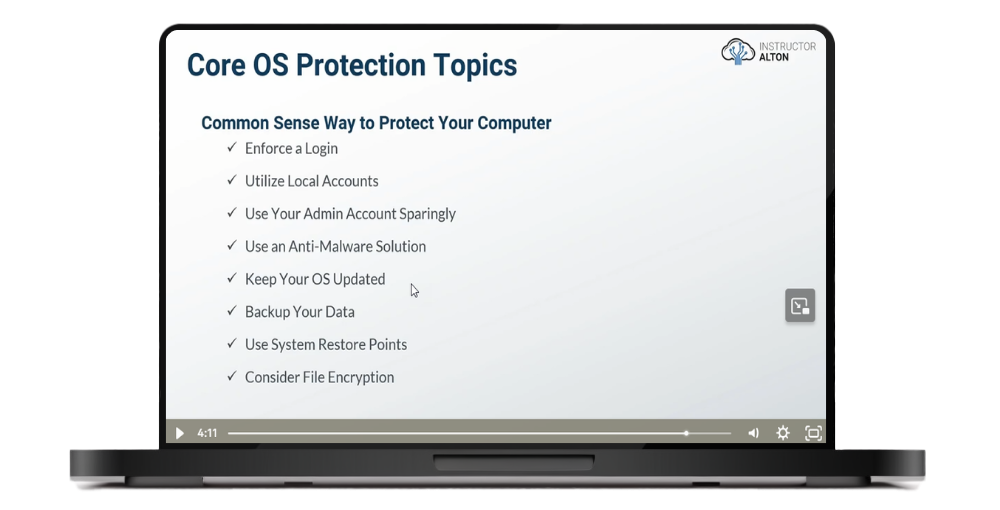
This course is Part 3 of a comprehensive cybersecurity series. While Parts 1 and 2 covered security fundamentals and online privacy, Part 3 focuses on securing your Windows or Mac computer at the operating system level.
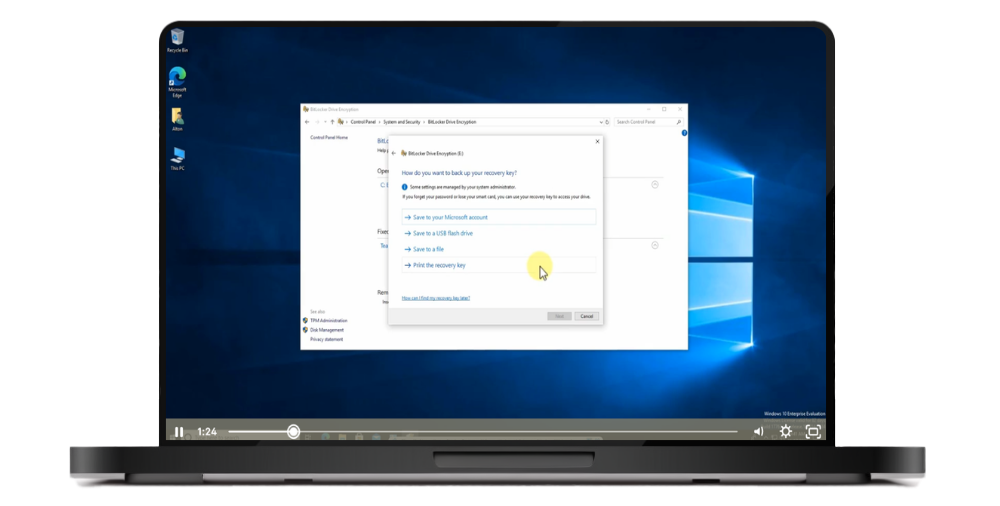
"Thanks Alton for the excellent course. The course is very useful as it provides lots of information on the built-in features in the OS that can reduce cybersecurity risks and better protect our own data. I believe any individuals or small business owners who only have limited financial resources or computer-related knowledge should be able to benefit from the course by adopting the recommended measures or changes in the OS settings to improve cybersecurity."
— Maggie Mok ⭐⭐⭐⭐⭐
"Course was very easy to follow and provided an excellent overview of Operating Systems and best practices to secure them."
— Michael Manzelmann ⭐⭐⭐⭐⭐
"Another banger by Alton. I've learned so much in this course I'm looking forward to the next one"
— Andrea A ⭐⭐⭐⭐⭐
Section Introduction
FREE PREVIEWUnderstanding Account Types
FREE PREVIEWLive Demo: Microsoft to Local User Account
Live Demo: Creating Windows 10 Local User Accounts
Live Demo: Creating Mac OS Local User Accounts
Live Demo: Exploring Windows Standard User Privileges
Live Demo: Exploring Mac Standard User Privileges
Section Introduction
CIA Triad Refresher
Importance of File & Directory Permissions
Basic NT File System (NTFS) Permissions
Live Demo: Basic NTFS Permissions
Live Demo: Verifying Windows Permissions with Effective Access
Understanding Mac Permissions
Live Demo: Mac Permissions
Section Introduction
Understanding Encryption
Live Demo: Windows Encrypted File System (EFS)
Live Demo: BitLocker
Live Demo: Mac FileVault
Live Demo: VeraCrypt
Section Introduction
The Importance of Data Storage & Backups
Understanding Backups
Understanding RAID
Storage Solutions
Live Demo: My NAS and Cloud Storage Strategy
Live Demo: Creating & Restoring Windows System Images
Live Demo: Using Windows System Restore Points
Live Demo: Exploring Windows Backup
Live Demo: Mac Time Machine
Local vs. Cloud Storage and Backups

Alton is the founder of Alton Teaches LLC and a former college professor. He spent 12 years as a cybersecurity specialist at the U.S. Department of Treasury working in governance, risk, and compliance. He holds an MBA in Information Assurance and Security Management and multiple certifications including CISSP, Security+, and Network+.
250,000+ students taught across cybersecurity and IT courses. 90,000+ copies sold of his bestselling books.
This course focuses exclusively on Windows 10 and Mac operating systems—the platforms used by over 90% of desktop and laptop users worldwide. You'll see live demonstrations for both operating systems covering:
Note: Linux is not covered in this beginner course as Linux security heavily relies on command-line operations, which are not beginner-friendly.
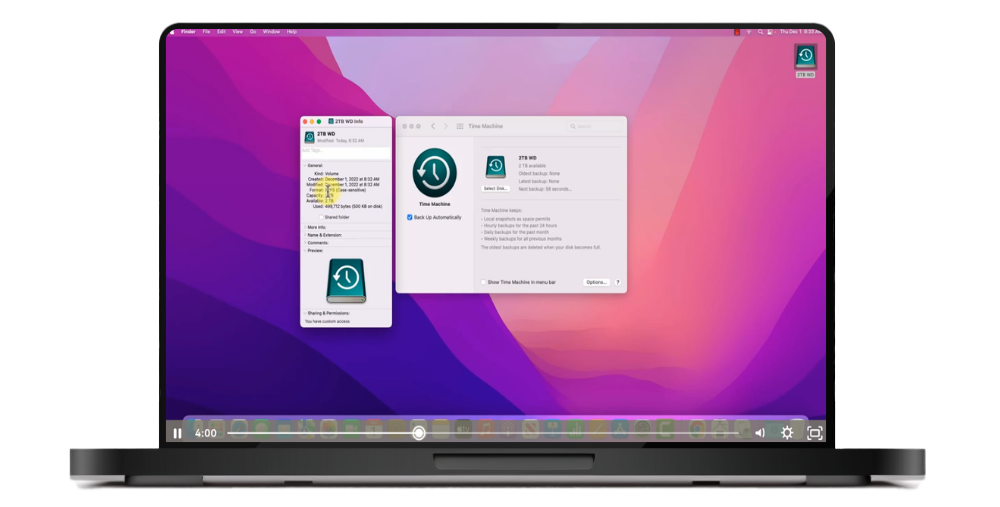
Join 250,000+ students learning practical operating system security. Lifetime access, 14-day money-back guarantee.
Parts 1 and 2 are recommended but not required. This course focuses specifically on operating system security for Windows and Mac. While I occasionally reference concepts from earlier courses (like the CIA Triad or defense in depth), you can look up any unfamiliar terms if needed.
This course focuses exclusively on Windows 10 and Mac. Linux is not covered because Linux security relies heavily on command-line operations, which are not beginner-friendly. This course is designed for the 90%+ of users on Windows and Mac platforms.
Yes, this is technical content—we cover encryption, permissions, firewalls, and system configurations in depth. However, it's designed for absolute beginners with no IT experience required. Everything is demonstrated step-by-step for both Windows and Mac, showing you exactly what to do.
No. This course focuses primarily on the powerful built-in security features already included in Windows 10 and Mac. You'll learn to leverage BitLocker, FileVault, Windows Defender, built-in firewalls, and more—no expensive third-party software required.
The course contains 5 hours of video content. Most students complete it within one to two weeks, but you have lifetime access so you can learn at your own pace.
You get 5 hours of video lectures with live demonstrations for both Windows 10 and Mac, practical security configurations, and lifetime access to all materials.
Part 1 covers essential cybersecurity concepts and workplace security. Part 2 focuses on personal online security—browser privacy, VPNs, Tor, password management, and email security. Part 3 (this course) covers operating system security for Windows and Mac—user accounts, permissions, encryption, backups, firewalls, and system hardening. Each course stands alone.
We offer a 100% satisfaction guarantee. If you are unsatisfied with your purchase, you may request a refund within 14 days of the original purchase date.